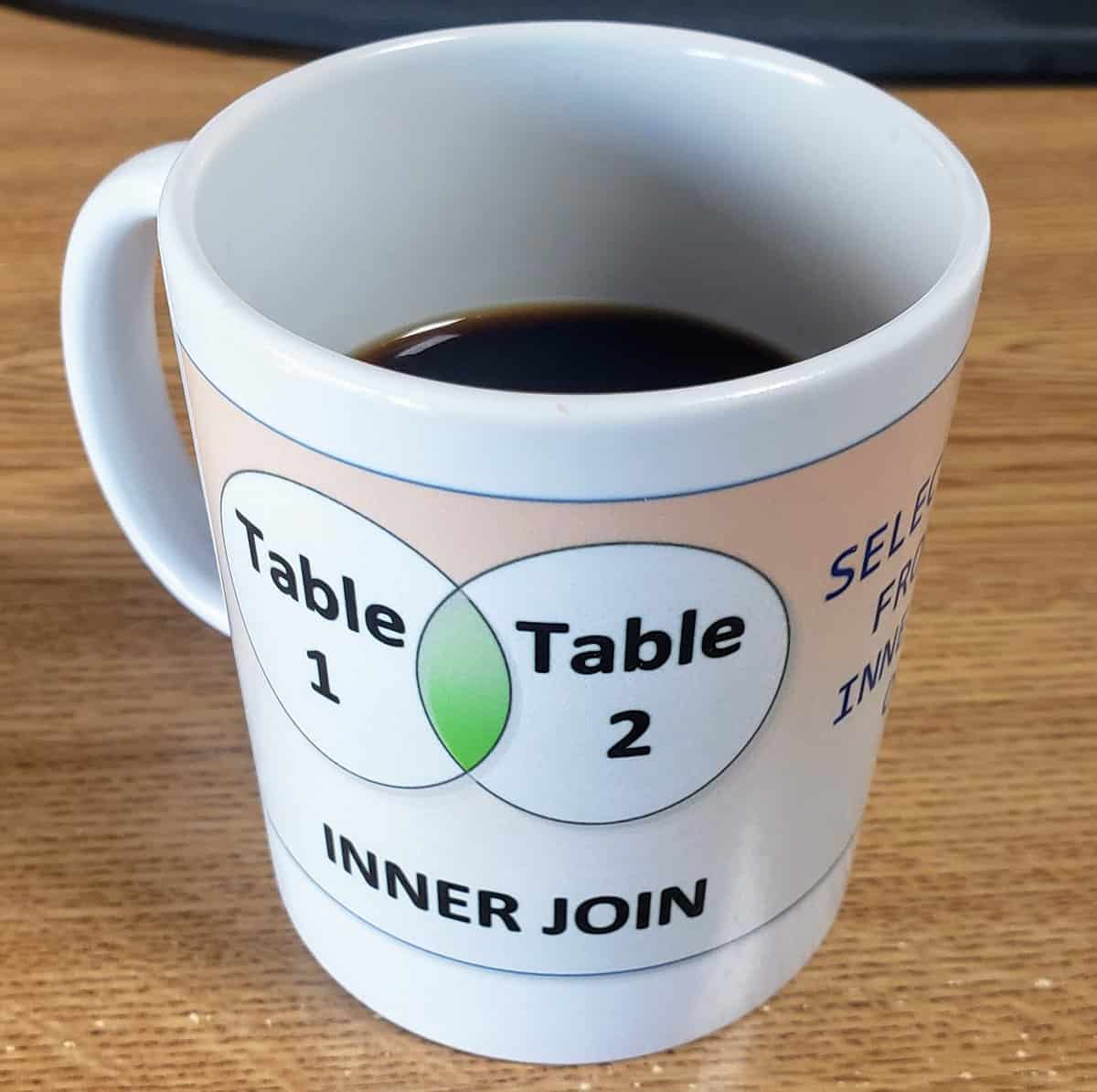
Diving into the world of SQL query optimization can unlock significant performance gains, especially when you understand the nuances of join order. The sequence in which tables are joined in a SQL query can subtly influence the execution plan crafted by the database optimizer. In this exploration of “Understanding SQL Join Order: Boost Query Performance with Optimization Tips,” we’ll uncover how strategic join ordering can be a game-changer for query efficiency.
At first glance, it might seem that SQL Server’s query optimizer handles all the heavy lifting, automatically determining the most efficient join sequence. However, the initial arrangement of joins in your query can sometimes steer the optimizer toward a less optimal path, particularly in complex queries with multiple tables. By grasping the mechanics behind join algorithms and row estimations, you can provide hints to the optimizer or even manually adjust the order to enhance performance.
Join order impacts not just the speed of data retrieval but also the resource consumption of your database system. A well-considered join sequence can reduce the number of rows processed early on through effective filtering, minimizing the workload on subsequent joins. Let’s delve deeper into why join order matters and how you can leverage this knowledge to fine-tune your SQL queries for optimal results.
Understanding SQL Order of Joins Performance
When it comes to optimizing SQL queries, one of the critical aspects to consider is the order of joins in your query. While SQL Server’s optimizer is designed to determine the most efficient way to retrieve data, the order in which tables are joined can still have a significant impact on performance. In this post, we’ll explore how the order of joins can affect execution plans, performance, and query optimization strategies.
Why Does Join Order Matter?
SQL Server’s optimizer is generally quite good at reordering joins and figuring out the best execution path. However, there are situations where the initial order of tables in a query can impact performance:
- Join Algorithms: SQL Server uses different algorithms for processing joins, such as Nested Loops, Hash Joins, and Merge Joins. The optimizer selects the most efficient algorithm based on the tables’ size, indexes, and join conditions. The initial join order can influence which join algorithm is used, as well as the effectiveness of that algorithm.
- Estimated vs. Actual Row Counts: When SQL Server estimates the number of rows in each table, it uses statistics. If these statistics are inaccurate, the optimizer may choose a suboptimal join order, affecting performance. By controlling the join order in the query, you can sometimes guide the optimizer to produce better execution plans.
- Filter Pushdown: The optimizer often tries to apply filters as early as possible in the execution plan. If the join order allows filters to be applied to smaller datasets earlier, it reduces the number of rows processed, improving performance. Therefore, putting the most selective tables earlier in the join sequence can lead to more efficient filtering.
An Example of Join Order Impact
Let’s say we have three tables: Orders, OrderDetails, and Products. A typical query to get product information for a specific customer might look like this:
SELECT p.ProductName, od.Quantity, o.OrderDate FROM Orders o JOIN OrderDetails od ON o.OrderID = od.OrderID JOIN Products p ON od.ProductID = p.ProductID WHERE o.CustomerID = 12345;
In this example:
- Starting with Orders: The query begins with the
Orderstable, applying the filter onCustomerIDearly on. This is beneficial if the filter is selective (e.g., returning a small subset of orders), as it reduces the rows that need to be joined withOrderDetailsandProducts. - OrderDetails as a Middle Join: Since
OrderDetailsis likely to have many rows per order, placing it in the middle of the join sequence ensures that it’s joining against a smaller set of rows already filtered byOrders. - Joining Products Last: Finally, the join to the
Productstable happens at the end, which is efficient since it is only processed after filtering byOrdersandOrderDetails.
Tips for Optimizing Join Order
- Start with the Most Selective Table: If possible, start the join sequence with the table that can apply the most selective filter. This helps to reduce the number of rows early on.
- Pay Attention to Indexed Columns: Joins on indexed columns are generally faster. Rearranging join order to take advantage of indexed joins can improve performance.
- Consider Cardinality and Row Estimates: Use SQL Server’s actual execution plan to check if row estimates are accurate and adjust the join order accordingly.
- Use Query Hints Sparingly: While you can force join order with hints like
OPTION (FORCE ORDER), this should be done sparingly as it reduces flexibility. - Utilize Subqueries or CTEs for Query Optimization (CTEs): Breaking complex joins into subqueries or CTEs can help manage the order of execution more explicitly.
Real-World Experience with SQL Join Order Optimization
At Stedman Solutions, we frequently encounter cases where the order of joins significantly affects performance. We’ve seen queries improve dramatically—sometimes reducing execution time from minutes to seconds—just by reordering joins. For example, a financial services client had a report that was running slowly due to poor join order. By changing the join sequence to start with the more selective table and adding appropriate indexes, we were able to cut the query’s runtime by over 80%.
If you’re facing similar challenges or have questions about performance tuning, consider our SQL Server Managed Services. Our Team specializes in optimizing complex queries and ensuring your databases run smoothly and efficiently.
Take Your Skills Further with Our Joins Class
Want to learn more about how to optimize join performance? Join our upcoming Advanced Joins Class where we dive deep into best practices, performance tips, and query optimization techniques that will elevate your SQL Server skills! Sign up for our Advanced Joins Class now.
Conclusion
While SQL Server’s optimizer generally handles join ordering well, it’s not perfect. The initial order of tables in a join can still impact performance, especially for larger datasets or when statistics are outdated. By understanding how the optimizer works and using strategic join ordering, you can often improve query performance significantly. If you need help tuning SQL Server queries or optimizing your database, reach out to us at Stedman Solutions!
Let me know your thoughts in the comments below, or share your own experiences with join order and query performance!
Summary for SQL Join Order
- Impact of join order on SQL query performance
- Influence of initial join sequence on optimizer’s execution plan
- Role of join algorithms like Nested Loops and Hash Joins
- Importance of early filtering with selective tables
- Effect of accurate row estimations on join efficiency
- Benefits of leveraging indexed columns in join sequences
More from Stedman Solutions:

Steve and the team at Stedman Solutions are here for all your SQL Server needs.
Contact us today for your free 30 minute consultation..
We are ready to help!